One account, every event
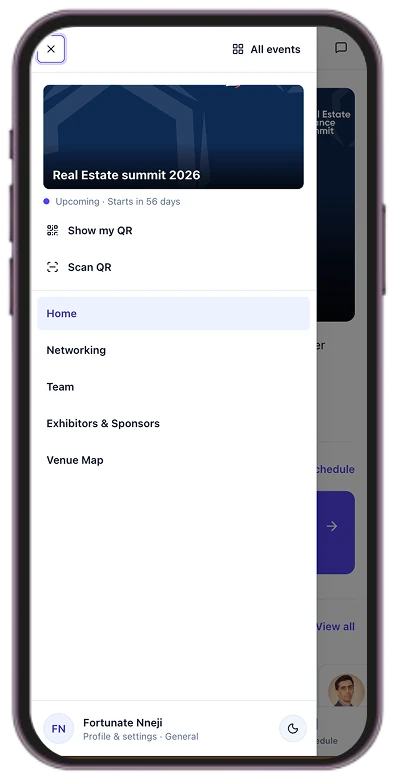
A single sign-in covers every event you attend, across organizers. Your events appear together with their host organization.
 Thinkwire
For attendees
Know what is next, who is worth meeting and where to be, without juggling separate tools for the agenda and your conversations.
A day at the summit
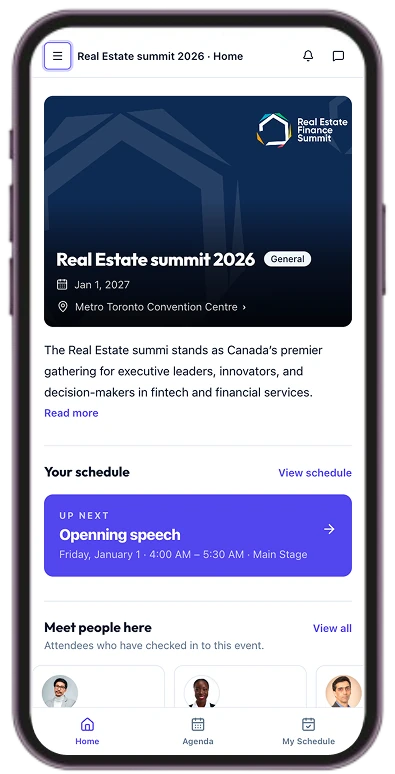
Your event home opens on what matters now: the event, the host organization, and what is next for you.
Open any session for its room, time and speakers, then tap through to a speaker’s profile for this event.
Confirmed meetings sit on the same timeline as your sessions, so you always know where to be.
Browse the attendees who chose to be visible and send a request when there is common ground.
My Schedule
The sessions you chose and the meetings you confirmed live together. If a meeting overlaps something already on your schedule, you are warned, and the decision stays yours.
Overlaps with your 10:15 meeting
Your profile, your choice
A single sign-in covers every event you attend, across organizers. Your events appear together with their host organization.
Open it in the browser, or add it to your home screen so the event is one tap away.
Have an invitation?
Open the attendee app with the account created from your event invitation.